в процесі...
Content-Aware Detection
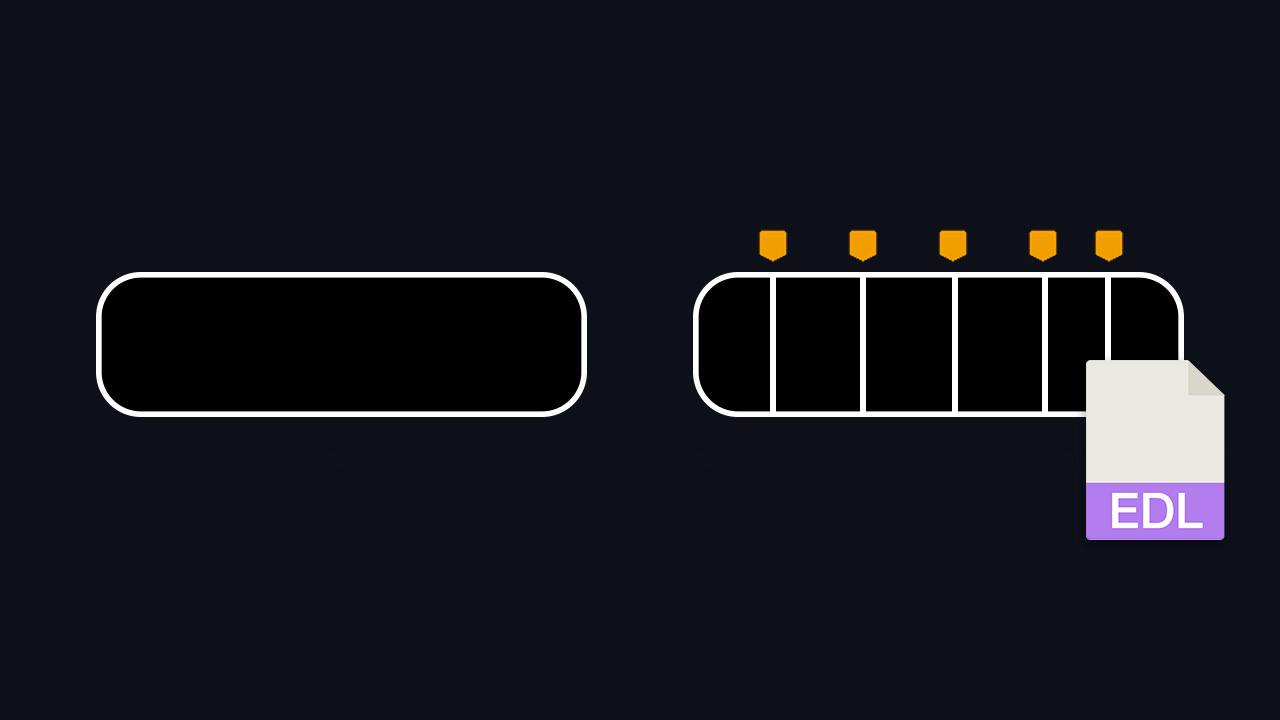
is an algorithm designed to identify alterations within specific regions of an image. When significant changes are detected, it automatically triggers a cut, making it the ideal choice for analyzing darker movie scenes.
Threshold-Based Detection
operates by analyzing the intensity and brightness levels of individual frames. When these levels surpass a predefined threshold, a cut is initiated. This method represents a more traditional approach to cut detection, relying on classic techniques.
What files can the tool create?
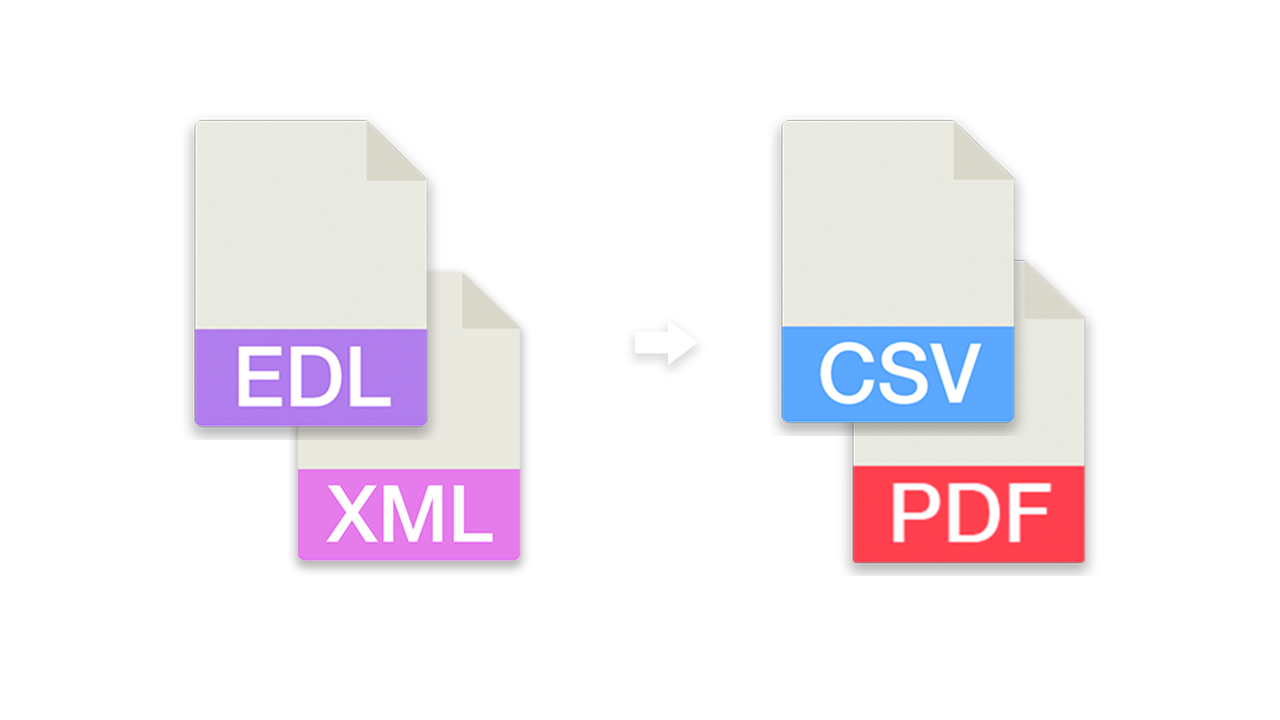
- EDL - Edit Decision List (.edl)
- EDL - Edit Decision List (.edl) [with gap between takes]
- CSV - Comma-separated values (.csv)
[Timecode In, Timecode Out, Frame In, Frame Out]
Render individual files PRO
This option allows you to have the tool render an H264 (.mp4) file for each detected clip in your uploaded video. This is a great way to split a video into multiple segments for further editing without the need for additional software.
Рекомендований робочий процес
- Завантажте відеокліп і запустіть функцію виявлення вирізаних сцен. Якщо файл перевищує максимальний ліміт завантаження, ви також можете завантажити стиснуту версію відео.
- Завантажте згенерований EDL/XML і помістіть його в ту саму папку, що й оригінальний відеокліп.
- Імпортуйте EDL/XML у вашу програму для редагування, зв'яжіть його з оригінальним відеокліпом і почніть редагування.
Демонстраційний файл
Ви можете спробувати інструмент за допомогою нашого технічного тестового файлу.
- Відео MP4/H264 тривалістю 3 хвилини з частотою 25 кадрів на секунду з різними змінами кольору.

Автоматизуйте свої робочі процеси за допомогою нашого API
Якщо ви розробник або просто хочете автоматизувати більше процесів за допомогою таких інструментів, як Zapier або Make, ви можете легко інтегрувати цей інструмент у свої робочі процеси за допомогою нашого API. Дізнайтеся більше про інтеграцію REST API в нашій документації по API.
Документація API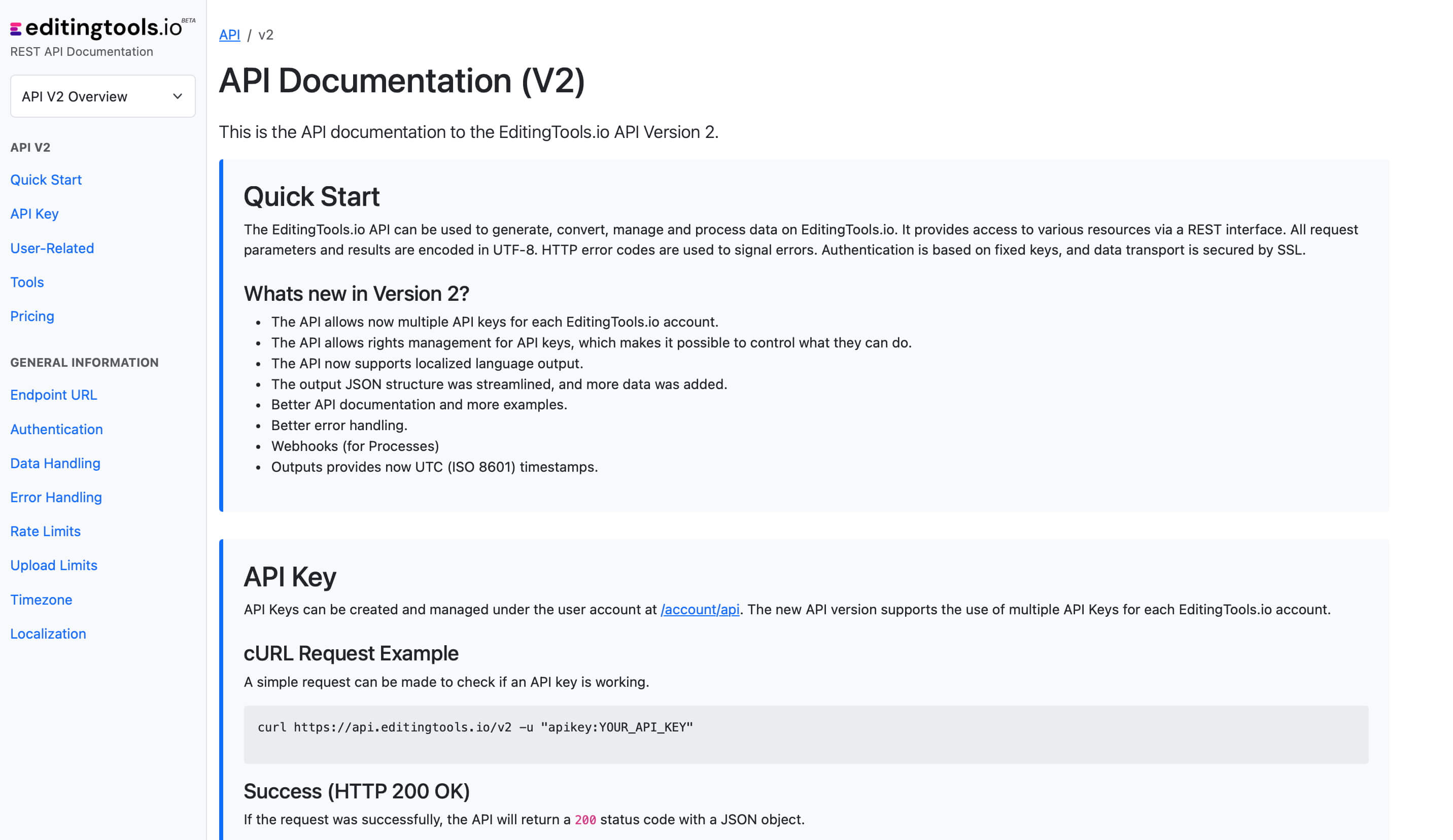
Get more with Pro
The Scene Cut Detection tool requires significant server power. While we offer a free tier for everyone, Pro users enjoy unlimited file lengths and more formats.
Explore Pro Features| Feature | Free | Pro |
|---|---|---|
| Video Length Limit | 15 min | Unlimited |
| Daily Limit | 3 files | Unlimited |
| File Size Limit | 500 MB | 2 GB |
| Render Subclips | ✕ | ✓ |
| Formats | .mp4, .mov | .mp4, .mov, .avi, .mxf, .mpeg, .m4a, .wma |